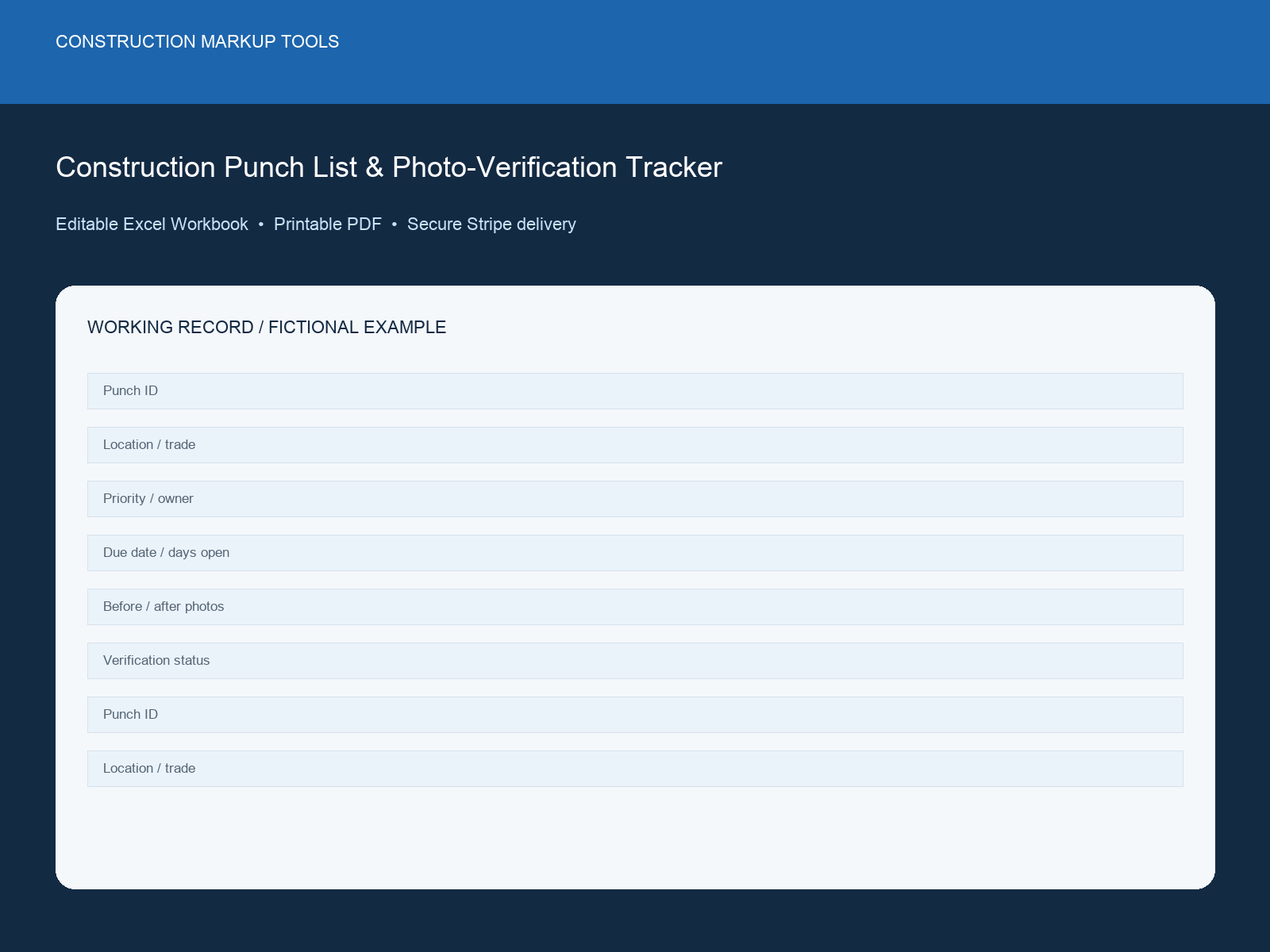
Construction Punch List & Photo-Verification Tracker dashboard preview

Dashboard preview from the delivered XLSX workbook

Back of pack

What is inside the download

Workbook tabsStart Here + Punch Register + Photo Verification + Trade & Location Summary + Closeout Dashboard
Live capacity500 records
FormatMacro-free XLSX
LicenceOne organisation

Product ID: CMT-PL-005 · Completed example and built-in instructions included.

New

Inspection Record · UK digital download

Construction Punch List & Photo-Verification Tracker

Editable, macro-free Excel workbook with sample data and formula-controlled exceptions

Run punch items from first observation through assignment, correction, verification and close-out, with ageing and missing-photo warnings.

Best for: Site managers, QA teams, general contractors and trade supervisors
$49USD
One-time payment in USD · XLSX workbook, manifest and licence · No subscription
30-day money-back guaranteeSecure Stripe checkoutInstant download after payment

Checkout directly with Stripe

No account or password required. Stripe collects your receipt email and returns you here for an immediate secure download.

Already have an account and want this purchase in My Downloads? Sign in first.

Browse all products
Under 2 minutes to checkout Commercial project use included

Your clean local price is calculated from the authoritative USD catalogue price. Stripe confirms the same USD amount before payment; you can change currency in the site header.

Instant XLSX downloadMacro-free workbookNo subscription

The moment you need it

Close every item with evidence, not a loose photo folder

The project is approaching substantial completion or handover. Capture each deficiency and matching before-and-after evidence before the closeout record fragments.

Project boundary: Acceptance and completion decisions remain with the authorised project team and approved requirements.

Construction Punch List & Photo-Verification Tracker
$49

Product specifications

Product ID / format
CMT-PL-005 · XLSX, README, manifest and licence in a ZIP
Compatibility
Microsoft Excel 2016 or later, Macro-free XLSX workbook, Printable PDF record, Protected ZIP download after Stripe payment
Verified contents
Read Me, Register, Dashboard and Lists sheets; 200 register rows; sample data and formula outputs
Delivery and licence
Secure post-payment download; single-organization project use included

Exact workbook structure

See where every piece of information goes

The delivered file contains two focused tabs: instructions for setup and a working record with one completed example plus 500 blank live rows.

Workbook tabs

  • Start Here
  • Punch Register
  • Photo Verification
  • Trade & Location Summary
  • Closeout Dashboard

Record fields

Punch ID, location and trade
Description, priority and owner
Due date, days open and status
Before/after photo references
Verification and closeout sign-off

Built-in workflow features

  • Automatic punch IDs and ageing
  • Priority/status counts
  • Verification-pending and missing-photo warnings
  • Closeout percentage

Why this is more than a blank checklist

  • Keeps before-and-after evidence beside each item
  • Shows ageing by trade and location
  • Built for verification, not only issue capture

What's Included

  • Editable XLSX punch tracker
  • Printable punch record
  • Completed fictional example
  • Closeout summary dashboard
  • Internal-use licence

Compatible With

  • Microsoft Excel 2016 or later
  • Macro-free XLSX workbook
  • Printable PDF record
  • Protected ZIP download after Stripe payment

How to Use

Review the included instructions and project criteria before replacing the clearly labelled sample data.

  1. 1Download and extract the ZIP package after purchase.
  2. 2Open the XLSX workbook in Microsoft Excel 2016 or later.
  3. 3Read the Read Me sheet and replace the project tolerance and Lists values.
  4. 4Delete or replace every row marked SAMPLE.
  5. 5Enter project records in pale-yellow cells and keep formula cells unchanged.
  6. 6Review Dashboard exceptions and save a versioned issued copy.

Use Cases

Snagging and punch walks
Defect assignment
Photo verification
Handover closeout

Who it is—and is not—for

Built for: Site managers, QA teams, general contractors and trade supervisors.

Not for: Replacing a defect inspection, acceptance certificate or warranty provider’s requirements.

FAQs

Licence: The editable workbook is licensed for internal project use by one purchasing organization. Redistribution, resale and source sharing with another organization are prohibited. The ZIP includes the complete licence.

Refunds: 30-day money-back guarantee on all purchases. If the workbook is materially not as described or you are not satisfied, contact us within 30 days. Refund Policy

This workbook organizes project records. It does not provide engineering, legal, safety or code-compliance advice and does not replace qualified review or sign-off.
Related Products

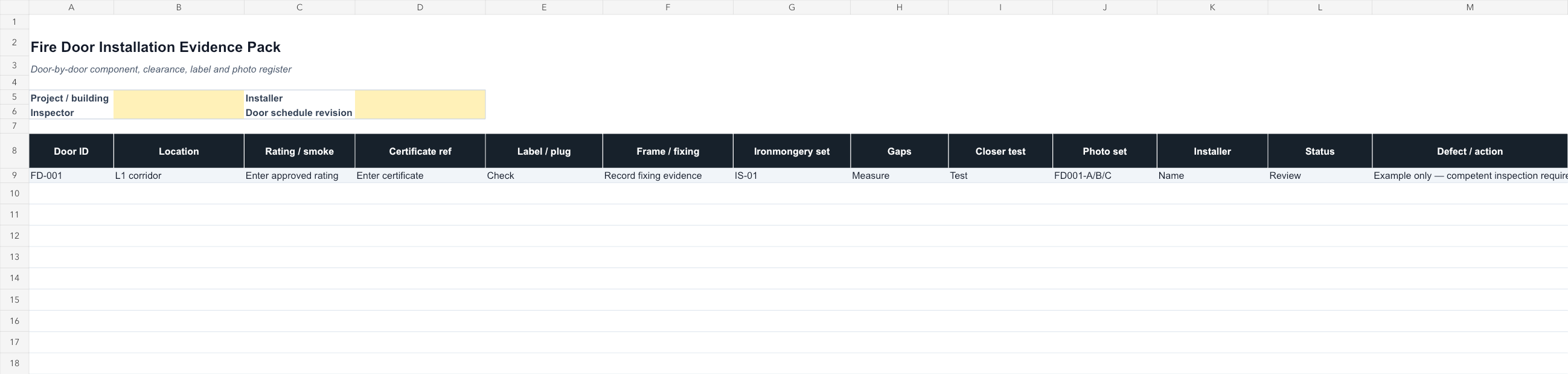
Fire Door Installation Evidence Pack Template dashboard preview
Fire Door QAExcel workbook

Fire Door Installation Evidence Pack Template

Door-by-door Excel register for certificates, labels, frame and fixing evidence, ironmongery, clearances, closer tests, photographs, and defects.
Best for: Fire-door installers, Passive-fire contractors, Principal-contractor QA teams, Building handover teams
Editable Excel system · 40 record rows
Instant XLSX download · No subscription
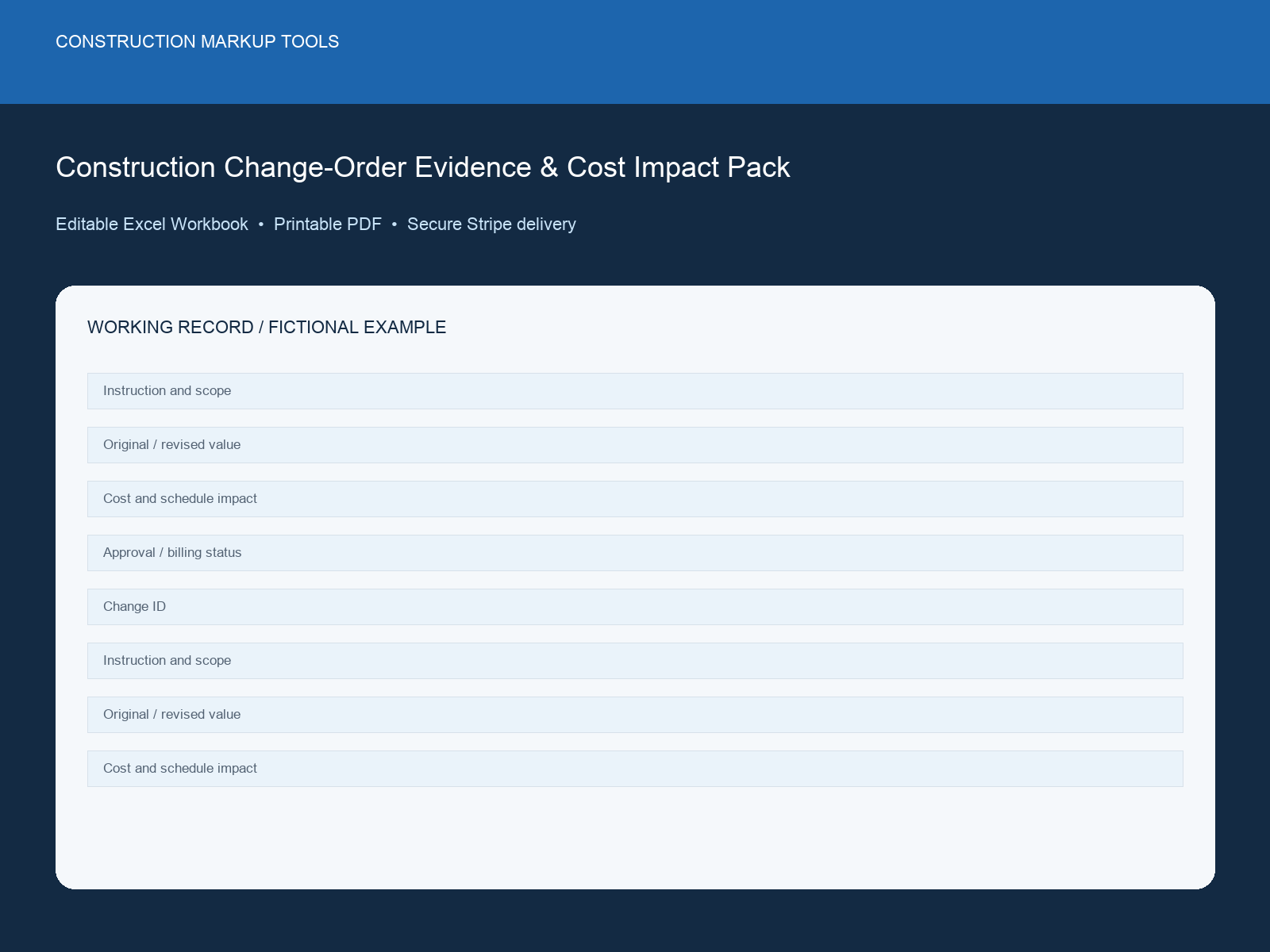
Construction Change-Order Evidence & Cost Impact Pack dashboard previewNew
Evidence PackExcel workbook

Construction Change-Order Evidence & Cost Impact Pack

Reconcile scope, price, responsibility, schedule impact, evidence and approval before change exposure disappears into job cost.
Best for: Commercial managers, project managers, general contractors and subcontractors
Editable Excel system · 250 record rows
Instant XLSX download · No subscription
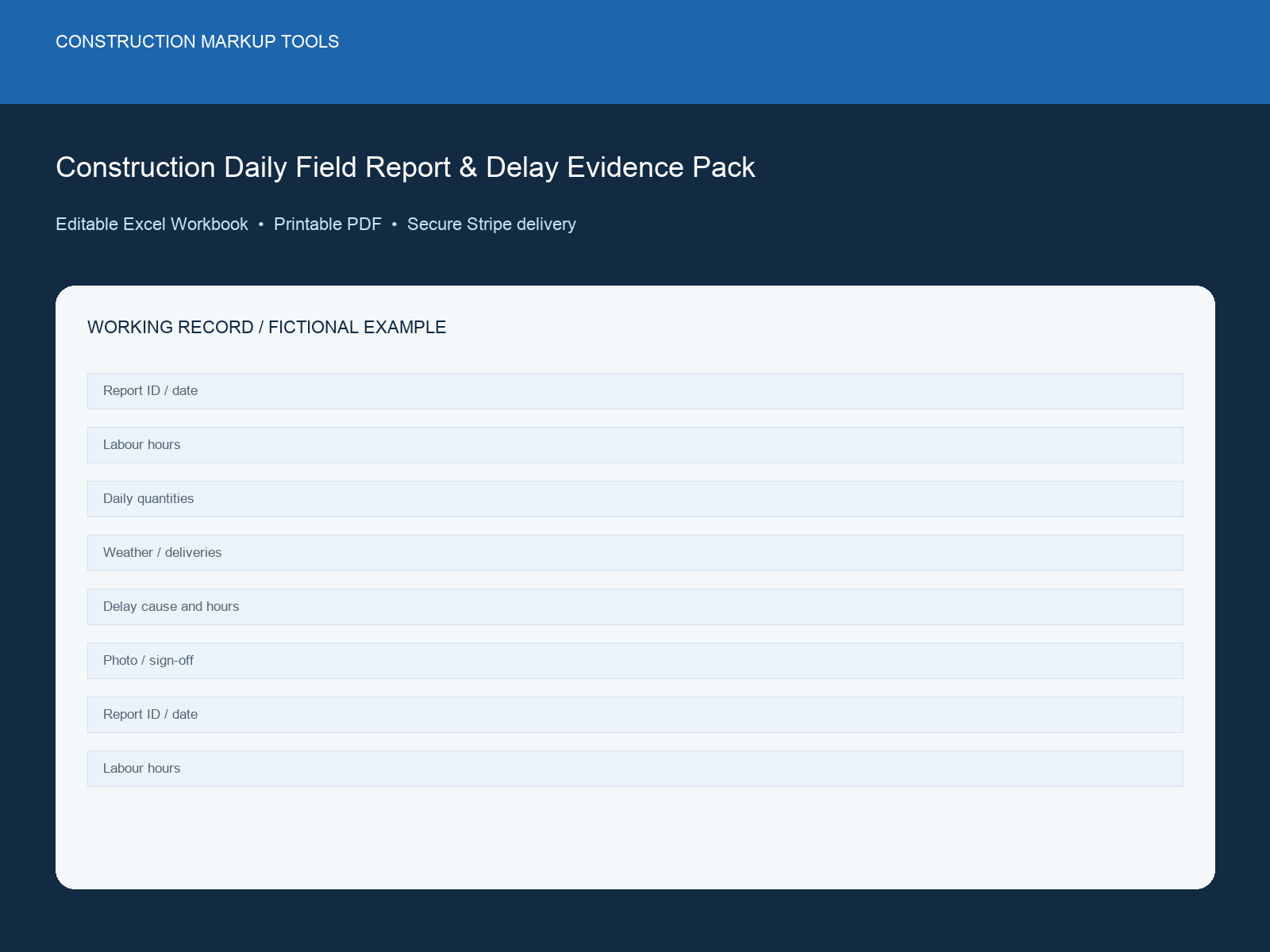
Construction Daily Field Report & Delay Evidence Pack dashboard previewNew
Evidence PackExcel workbook

Construction Daily Field Report & Delay Evidence Pack

Record labour, work completed, deliveries, weather, equipment, delays and photographs before a payment question relies on memory.

Best for: Foremen, site managers, project managers and commercial teams
Editable Excel system · 365 record rows
Instant XLSX download · No subscription

Turn the punch walk into a handover-ready closeout record

Assign every item, match the photos, verify the correction and see the remaining closeout percentage at a glance.

Browse all products