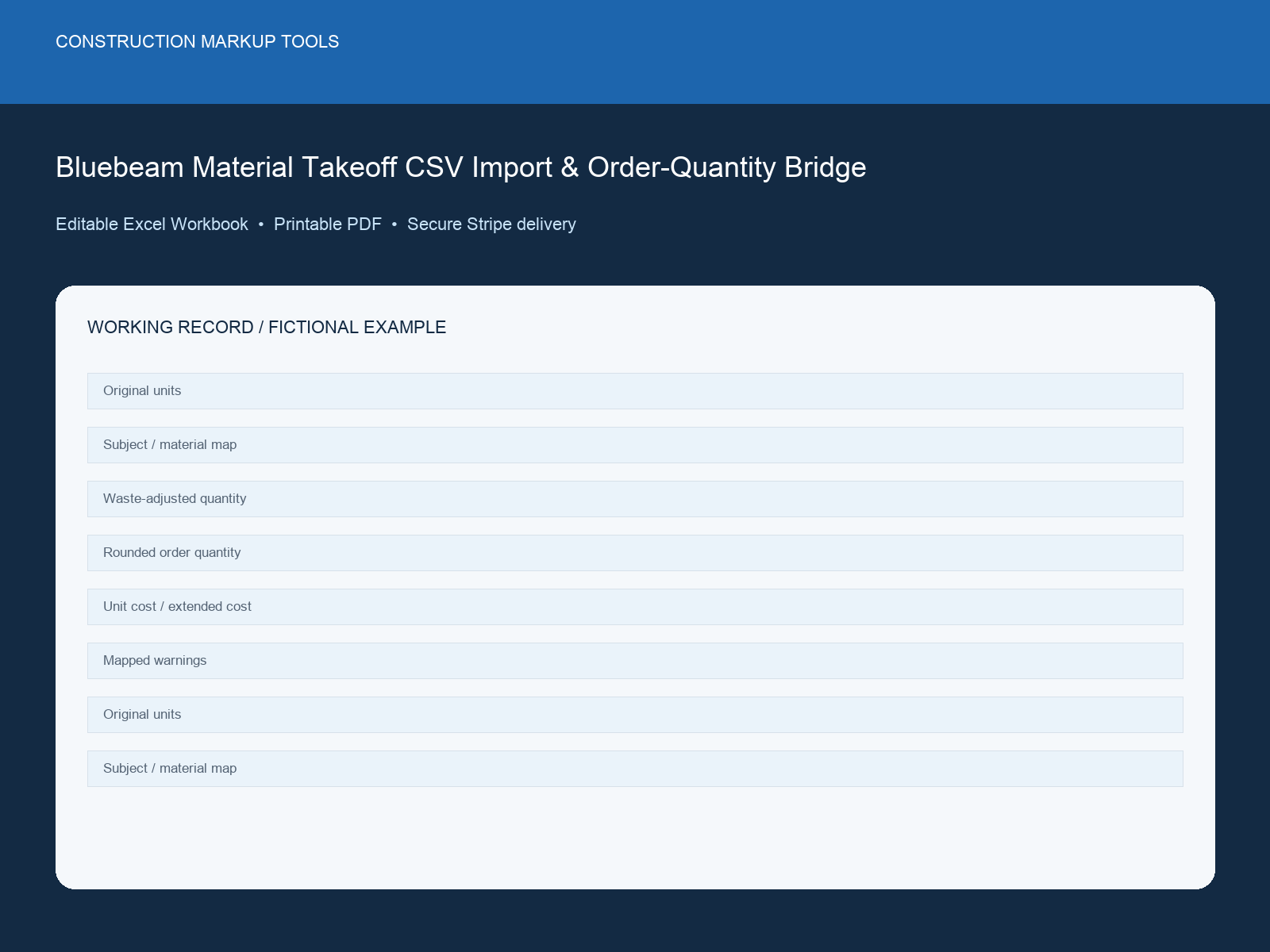
Bluebeam Material Takeoff CSV Import & Order-Quantity Bridge dashboard preview

Dashboard preview from the delivered XLSX workbook

Back of pack

What is inside the download

Workbook tabsStart Here + CSV Import + Subject Map + Order Schedule + Exceptions & Summary
Live capacity2000 records
FormatMacro-free XLSX
LicenceOne organisation

Product ID: CMT-BB-009 · Completed example and built-in instructions included.

New

Measurement Schedule · UK digital download

Bluebeam Material Takeoff CSV Import & Order-Quantity Bridge

Editable, macro-free Excel workbook with sample data and formula-controlled exceptions

Keep original units while converting, waste-adjust quantities, round order quantities, extend material cost and find unmapped or missing-price items before a quote or order.

Best for: Estimators, quantity surveyors, material buyers and Bluebeam users
$59USD
One-time payment in USD · XLSX workbook, manifest and licence · No subscription
30-day money-back guaranteeSecure Stripe checkoutInstant download after payment

Checkout directly with Stripe

No account or password required. Stripe collects your receipt email and returns you here for an immediate secure download.

Already have an account and want this purchase in My Downloads? Sign in first.

Browse all products
Under 2 minutes to checkout Commercial project use included

Your clean local price is calculated from the authoritative USD catalogue price. Stripe confirms the same USD amount before payment; you can change currency in the site header.

Instant XLSX downloadMacro-free workbookNo subscription

The moment you need it

Bridge the takeoff to the order before the quote goes out

The markup export is complete, but the estimator still needs a reliable order quantity and priced material schedule before issuing a quote or order.

Project boundary: Check units, supplier pack sizes, waste assumptions and the source takeoff before procurement; the workbook does not replace quantity verification.

Bluebeam Material Takeoff CSV Import & Order-Quantity Bridge
$59

Product specifications

Product ID / format
CMT-BB-009 · XLSX, README, manifest and licence in a ZIP
Compatibility
Microsoft Excel 2016 or later, Macro-free XLSX workbook, Printable PDF record, Protected ZIP download after Stripe payment
Verified contents
Read Me, Register, Dashboard and Lists sheets; 200 register rows; sample data and formula outputs
Delivery and licence
Secure post-payment download; single-organization project use included

Exact workbook structure

See where every piece of information goes

The delivered file contains two focused tabs: instructions for setup and a working record with one completed example plus 2000 blank live rows.

Workbook tabs

  • Start Here
  • CSV Import
  • Subject Map
  • Order Schedule
  • Exceptions & Summary

Record fields

Original and converted units
Subject and material mapping
Waste-adjusted and rounded order quantity
Unit cost, labour allowance and extended cost
Mapped/unmapped and duplicate warnings

Built-in workflow features

  • Unit conversion with original-unit retention
  • Waste and order-quantity rounding
  • Extended material cost
  • Import validation and missing-price warnings

Why this is more than a blank checklist

  • Preserves the source takeoff beside the order view
  • Finds unmapped subjects before they reach a quote
  • Bridges Bluebeam quantities to procurement decisions

What's Included

  • Editable XLSX takeoff bridge
  • Printable order schedule PDF
  • Completed fictional example
  • Subject mapping library
  • Internal-use licence

Compatible With

  • Microsoft Excel 2016 or later
  • Macro-free XLSX workbook
  • Printable PDF record
  • Protected ZIP download after Stripe payment

How to Use

Review the included instructions and project criteria before replacing the clearly labelled sample data.

  1. 1Download and extract the ZIP package after purchase.
  2. 2Open the XLSX workbook in Microsoft Excel 2016 or later.
  3. 3Read the Read Me sheet and replace the project tolerance and Lists values.
  4. 4Delete or replace every row marked SAMPLE.
  5. 5Enter project records in pale-yellow cells and keep formula cells unchanged.
  6. 6Review Dashboard exceptions and save a versioned issued copy.

Use Cases

Bluebeam CSV imports
Material order quantities
Waste calculations
Priced takeoff schedules

Who it is—and is not—for

Built for: Estimators, quantity surveyors, material buyers and Bluebeam users.

Not for: Replacing field verification, supplier confirmation or a measured bill of quantities by a qualified estimator.

FAQs

Licence: The editable workbook is licensed for internal project use by one purchasing organization. Redistribution, resale and source sharing with another organization are prohibited. The ZIP includes the complete licence.

Refunds: 30-day money-back guarantee on all purchases. If the workbook is materially not as described or you are not satisfied, contact us within 30 days. Refund Policy

This workbook organizes project records. It does not provide engineering, legal, safety or code-compliance advice and does not replace qualified review or sign-off.

Related Products

CNT
LIN
AREA
REV
QTY
NOTE
New
ElectricalRevu-ready ZIP

Bluebeam Electrical Estimating Count Tool Set

Twenty reusable count and scope markers for electrical take-off review workflows in Bluebeam Revu.
Best for: Electrical estimators, QSs & tendering contractors
20 BTX tools · 6 editable PNG/SVG references
Instant BTX + PNG/SVG · No subscription
Construction Bid Leveling & Scope-Gap Workbook dashboard previewNew
CalculatorExcel workbook

Construction Bid Leveling & Scope-Gap Workbook

Normalize subcontractor bids, exclusions, allowances, alternates and unpriced scope before award.
Best for: Estimators, procurement teams, quantity surveyors and project managers
Editable Excel system · 100 record rows
Instant XLSX download · No subscription
Construction Job Cost & Estimate-at-Completion Forecast Pack dashboard previewNew
CalculatorExcel workbook

Construction Job Cost & Estimate-at-Completion Forecast Pack

Forecast final cost by cost code by bringing actuals, commitments, uncommitted ETC and pending changes into one view.

Best for: Project accountants, commercial managers, project managers and controllers
Editable Excel system · 300 record rows
Instant XLSX download · No subscription

Turn Bluebeam CSV rows into an order-ready material schedule

Import, map, adjust and review exceptions in one workbook without losing the original measured units.

Browse all products